Ninefold
Find a little space to think with fresh Sudoku puzzles, pencil notes, and helpful hints. Three difficulties, at your own pace.
How to play
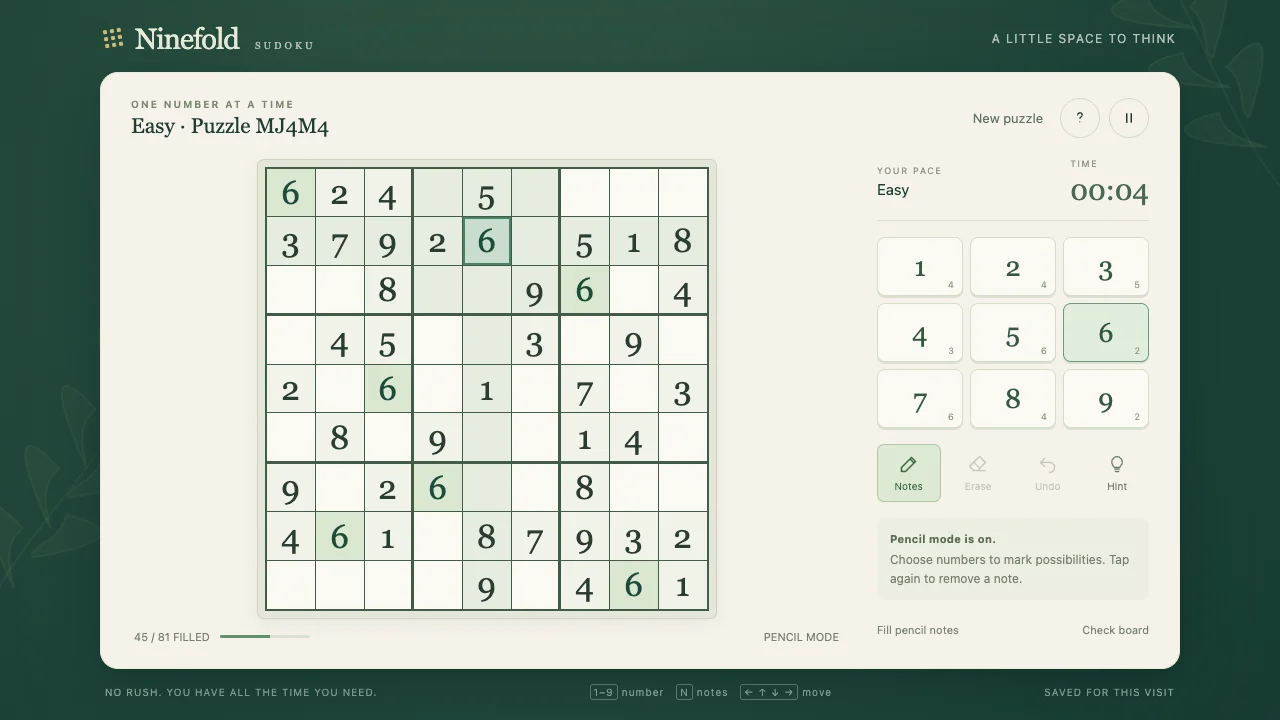
Fill each row, column, and 3 by 3 box with the numbers 1 through 9 exactly once. Select a cell, then tap a number or press 1–9. Starting clues cannot be changed. Turn Notes on to pencil in possibilities. Erase clears a cell and Undo restores the last change. Coral cells show repeated numbers. Hint explains a next step; choose Place to apply it. Use the help menu for Fill pencil notes and Check board on smaller screens.
Controls
- Mouse or touch: select a cell, then choose 1–9
- Keyboard 1–9: enter a number; arrows: move between cells
- N or Notes: toggle pencil mode; Backspace/Delete or Erase: clear a cell
- Ctrl/Command Z or Undo: undo the last change
- H or Hint: explain a next step; apply it only if you choose
- P/Escape or pause button: pause; help menu: rules, pencil fill, and board check
Tips
- Look for a row, column, or box with just a few empty cells.
- Pencil notes mark possibilities. Placing a number removes that note from related cells.
- Hints and mistakes have no penalty. Take as long as you like.
About Ninefold
A calm, thoughtfully made Sudoku game. Every puzzle is freshly generated and checked to have exactly one solution. Choose Easy for a gentle start, Medium to settle in, or Hard for a deeper challenge. Pencil in possibilities, undo a move, or ask for a hint that explains a simple deduction. When a deeper step is needed, the hint offers an optional number reveal. Your progress is saved in your browser when storage is available. There are no lives, penalties, or time limit.