Disc Duel
Turn the tide in classic Reversi. Challenge three computer levels or share the board with a friend, one clever flip at a time.
How to play
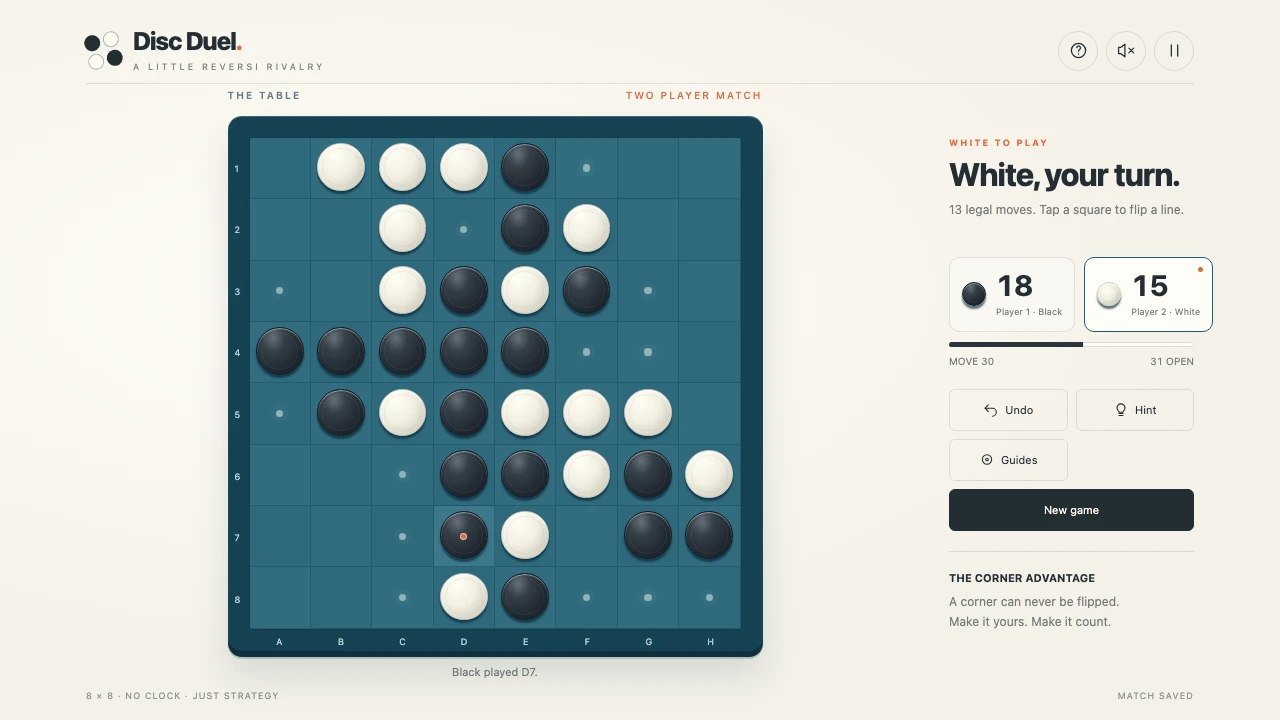
Choose Computer or Two players, pick a difficulty and your disc colour, then press Let's play. Black plays first. Tap an empty square that traps a continuous line of opposing discs between your new disc and another of your discs. Every bracketed horizontal, vertical, and diagonal line flips. You must flip at least one disc to play. A player with no legal moves automatically passes. When neither player can move, the player with the most discs wins; equal counts are a draw.
Controls
- Mouse or touch: tap a legal square to place a disc
- Arrow keys: explore the board; Enter or Space: place a disc
- Undo: take back your last turn and the computer reply
- Hint: highlight a suggested move; Guides: toggle legal-move dots
- P, Escape, or pause button: pause; sound button: enable or mute original move sounds
Tips
- Corners can never be flipped. Take them when you can.
- An empty corner's neighbouring squares can give your opponent that corner.
- Taking the most discs now is not always the strongest move. Keep your options open.
About Disc Duel
A fresh little rivalry on a tactile blue Reversi board. Bracket your opponent's discs to flip entire lines, take the corners, and finish with the most discs. Choose a Casual, Club, or Expert computer opponent, or play with a friend on the same device. Play as black or white, explore legal moves, ask for a hint, or undo your last turn. Automatic passes and complete end-of-game scoring follow standard eight-by-eight Reversi rules. Matches save when browser storage is available. No clock, no hurry.