Lane Grinder
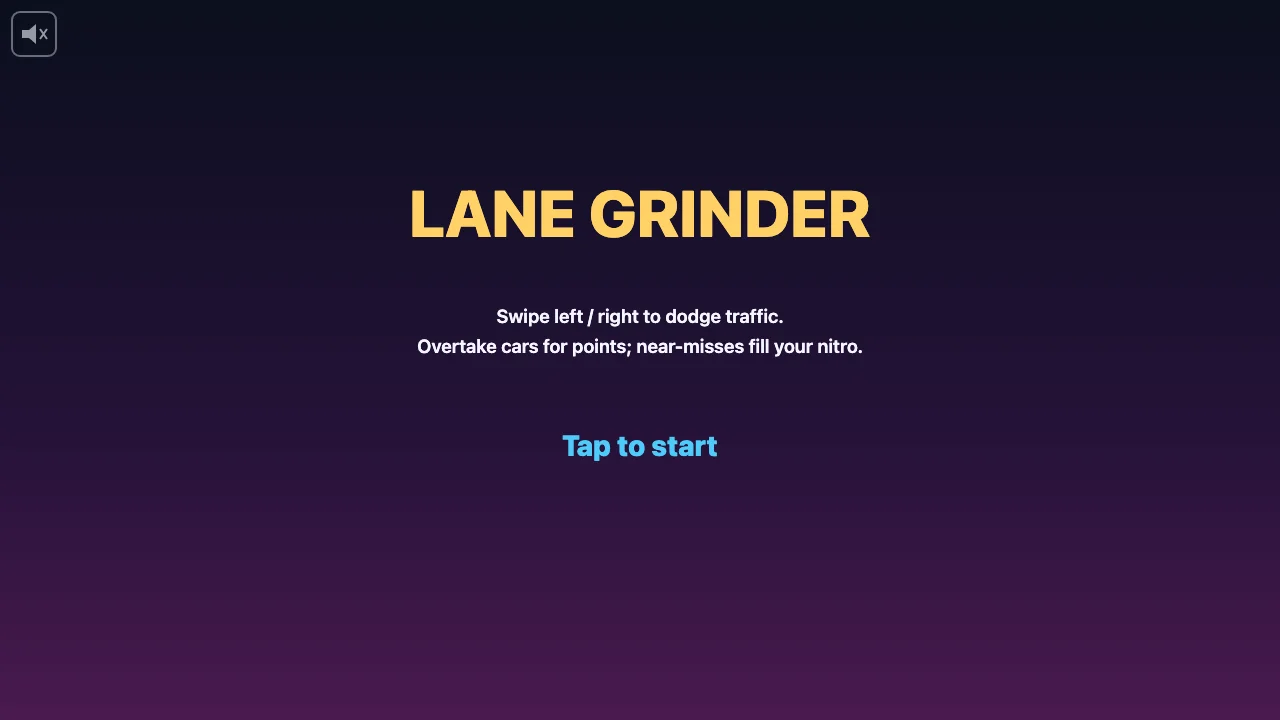
Swipe your drag racer between three lanes of oncoming traffic, chaining near-misses to trigger double-points nitro surges.
How to play
Swipe left or right (or use arrow keys) to change lanes. Read which lane has a gap and move into it before traffic closes in. Passing cars scores points; near-misses add heat. At full heat, nitro kicks in for double points. Touching any car ends the run.
Controls
- Swipe / Mouse drag / Arrow keys: change lane
- Space or Enter: start / restart
- P or Esc: pause
- Tap pause button (top-right): pause on mobile
Tips
- Keep moving — staying in one lane too long guarantees a car spawns in it.
- Near-misses score no points directly, but filling the heat gauge doubles everything during nitro.
- Grab cyan hexagon pickups for +50 points and an instant full heat gauge.
- Watch for flashing outlines: drifting cars telegraph a lane change 0.4 seconds before they move.
- Stage banners every 20 seconds mean faster traffic — plan your lane changes earlier.
About Lane Grinder
Lane Grinder is an endless traffic-dodging game set on a sunset highway. Your yellow wedge racer sits low on the screen while cars stream down from above in three lanes. Overtake cars for points, and squeeze past them as closely as you dare — each near-miss fills a heat gauge on the right edge. Fill it completely and you get a 3-second nitro surge with double points and extra speed.