Orbit Snap
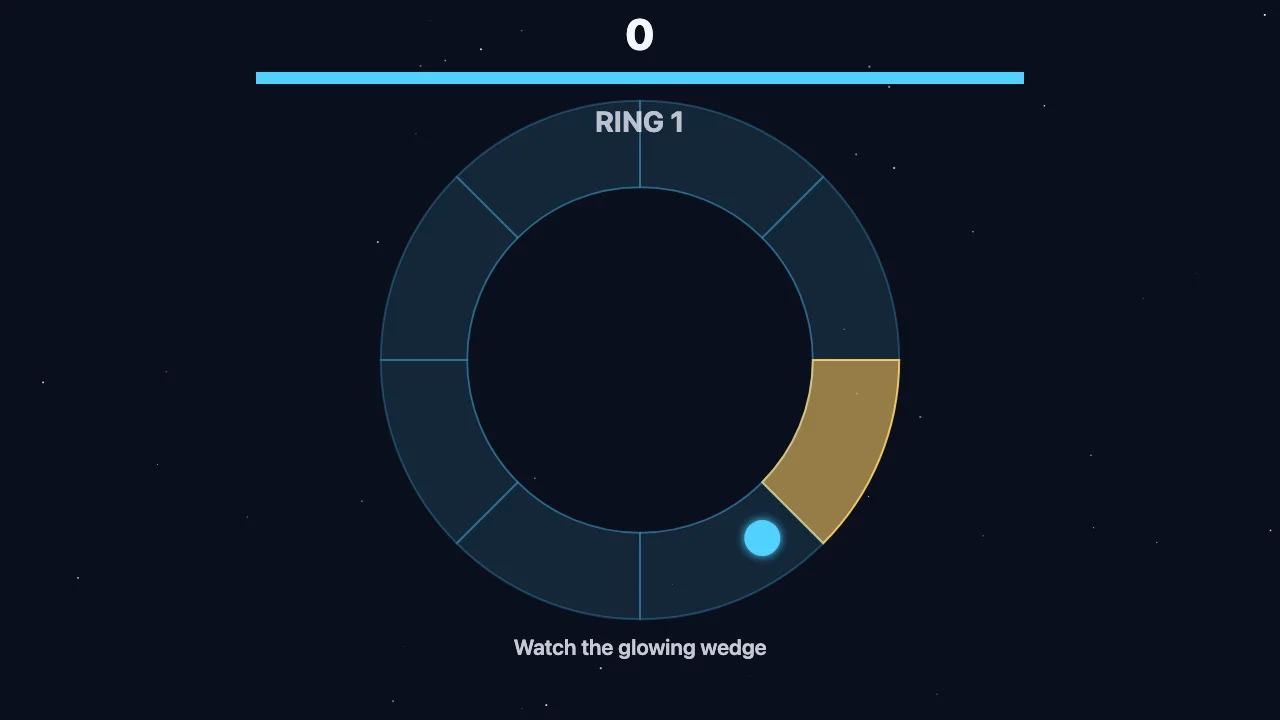
Memorize the glowing hatch wedge, then tap at the right moment to launch your orbiting pod into it.
How to play
Watch the yellow wedge flash, then tap, click, or press Space the instant your pod passes that wedge on its orbit. A correct snap scores and starts a faster ring; a wrong wedge or an expired timer ends the run.
Controls
- Tap / Click: launch the pod from its current orbit angle (also starts and restarts the game)
- Space: launch (also starts and restarts the game)
Tips
- Watch the pod, not just the wedge: pick the exact moment it crosses the glowing hatch.
- If the ring's hatch sits near where the pod just passed, snap immediately instead of waiting a full lap.
- Fast snaps earn bonus points, so don't wait until the last second.
- Expect the orbit to reverse every third ring; re-check the pod's direction before you commit.
- As rings speed up, track the hatch's clock position during the flash so you can react instantly.
About Orbit Snap
A station ring of eight wedges surrounds the screen. One wedge flashes yellow as the open hatch while your escape pod orbits around it. When the ring dims, a hull timer starts draining and you must launch the pod before it hits zero.